
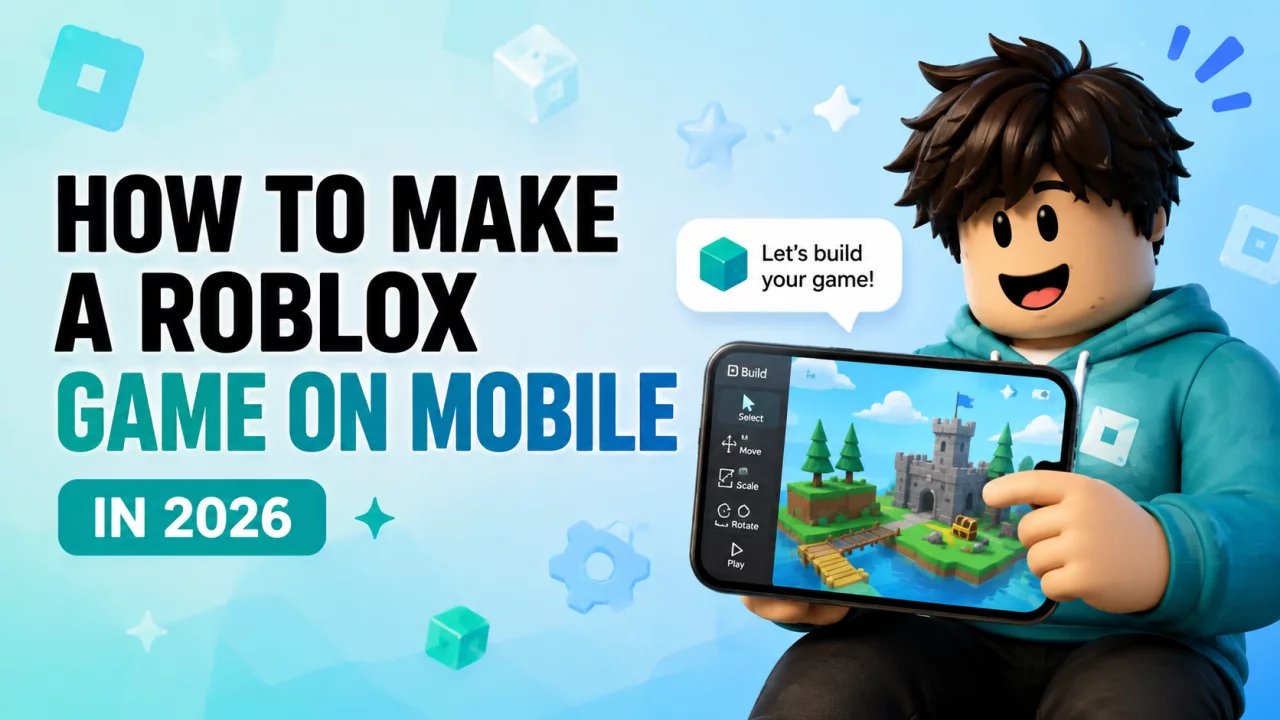
For years, creating a serious Roblox game usually meant opening Roblox Studio on a computer.
That is beginning to change.
In 2026, Roblox introduced Build, a new mobile-first creation feature designed to let players create playable Roblox experiences directly from their phone with help from AI.
Instead of manually building every object and mechanic from scratch, you can describe what you want and use Build to create a starting version of your idea.
There is one important catch: Build is still rolling out, so not every Roblox player has access yet.
What Is Roblox Build?#
Roblox Build is a mobile-first creation system that lets users describe game ideas using normal language.
For example, you could ask for:
"A small island game where players collect crystals, sell them for coins and upgrade their backpack."
Build can use that description to create the foundation of a playable experience.
You can then continue requesting changes to things such as:
- environments
- objects
- gameplay mechanics
- characters
- visual style
- sounds
- difficulty
- movement
Roblox introduced Build as part of its effort to make creation accessible to more users without requiring everyone to begin with traditional coding.
You can read more about the direction of the feature in the official Roblox Build announcement.
Can You Make a Roblox Game on Your Phone?#
Yes, if Build is currently available for your account.
The initial rollout has focused on mobile devices and selected regions.
That means one person can already have the Build tab while another person using Roblox in a different country may not see it yet.
If that is happening to you, read our Roblox Build Not Showing guide.
Roblox Build Requirements#
Current access can depend on:
- your age
- completed Roblox age check
- supported mobile device
- supported region
- Roblox app version
- current rollout stage
Roblox is expanding the feature gradually rather than enabling it for every account at once.
How to Make a Roblox Game with Build#
Once Build is available, the process is designed to be simple.
Step 1: Open Build#
Open the Roblox mobile app and choose Build from the available navigation.
Step 2: Describe Your Game#
Write what you want to create.
Instead of writing:
"Make a game."
try something more specific:
"Create a forest adventure where players collect glowing crystals, unlock new zones and upgrade their movement speed."
The more useful context you provide, the easier it is for the system to understand the direction.
Step 3: Generate the Starting Experience#
Build creates a playable starting version based on your description.
This gives you something you can immediately test instead of staring at an empty project.
Step 4: Playtest the Game#
Enter your experience and check:
- whether objectives are understandable
- whether objects are placed correctly
- whether movement feels good
- whether progression makes sense
- whether players know what to do next
Step 5: Request Changes#
You can continue describing what you want changed.
For example:
"Make the crystals larger."
"Add a bridge to another island."
"Put a shop near the spawn."
"Make the game brighter."
This makes the workflow much more approachable for a beginner.
Roblox Build vs Roblox Studio#
Build and Roblox Studio are not the same thing.
Build focuses on accessible mobile creation and AI-assisted workflows.
Studio remains the more advanced development environment for creators who want:
- detailed world building
- scripting
- advanced UI
- custom systems
- deeper optimization
- complete technical control
A beginner could potentially use Build to test an idea before eventually learning more advanced Roblox development.
Can You Publish a Roblox Build Game?#
Publishing is part of the broader Build ecosystem, but game distribution now has additional rules depending on the audience you want to reach.
New experiences can initially have more limited age availability while Roblox evaluates them for broader distribution.
If your game appears restricted to older users, read Why Is My Roblox Game Restricted to 16+?.
Creators should also understand the new publishing requirements covered in our Roblox 1,000 Robux Publishing Fee guide.
Does Roblox Build Cost Robux?#
Basic creation and Robux spending are separate things.
You do not need to treat every Build action as a Robux purchase.
However, creators may eventually need Robux for other parts of the Roblox ecosystem such as certain publishing requirements, avatar assets, advertising or other platform costs.
If you need a legitimate way to build toward a Roblox reward budget, read How to Get Free Robux in 2026 or explore earning opportunities on BloxChase.
Frequently Asked Questions#
Can I make a Roblox game on my phone?#
Yes. Roblox Build is introducing mobile-first game creation directly inside Roblox.
Do I need to know Lua?#
Not for basic Build creation. The system is designed around natural-language instructions.
Why don't I have Roblox Build?#
Your region, device, age-check status or rollout stage may not currently qualify.
Is Build the same as Roblox Studio?#
No. Build is a simpler mobile-first creation system while Studio remains the advanced Roblox development environment.
Can I publish games made with Build?#
Publishing is supported within Roblox's evolving creator system, but broader distribution can have additional eligibility requirements.
Final Thoughts#
Creating a Roblox game without a traditional PC development setup is becoming much more realistic.
Build turns the process into:
idea → description → playable game → testing → improvements
For new creators, that lowers the barrier to experimenting with Roblox development.
If you still cannot find the feature, continue with our Roblox Build Not Showing guide.

