For years, sending Robux directly to another Roblox player was surprisingly complicated.
Players usually had to use groups, game passes, clothing sales or other indirect methods.
That changed in 2026.
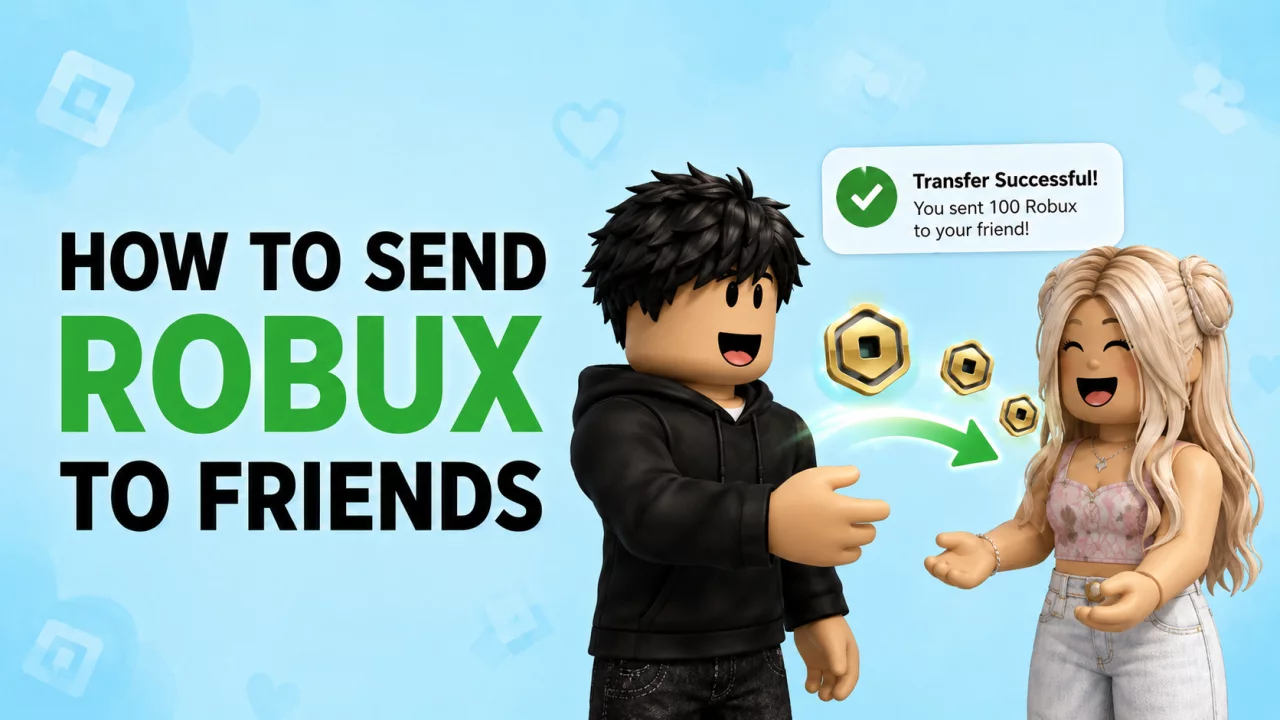
Roblox Plus now includes an official direct Robux transfer feature, making it possible for eligible users to send Robux directly to friends without the old workaround methods.
Here is how it works.
Can You Send Robux Directly in 2026?#
Yes.
Roblox Plus subscribers can now send Robux directly to other users.
The person sending the Robux needs Roblox Plus, but the recipient does not need a Plus subscription just to receive the transfer.
Roblox says these transfers are instant and have no platform transaction fee.
You can read the latest requirements in the official Roblox Sending and Receiving Robux guide.
How to Send Robux to a Friend#
Roblox currently allows transfers to be started from the recipient's profile or from the Buy Robux area.
The basic process is:
- Open the Roblox profile of the person you want to send Robux to.
- Start the Robux transfer option.
- Enter the amount you want to send.
- Select Continue.
- Carefully review the username and amount.
- Confirm the transfer.
Once a transfer is completed, Roblox says it cannot be reversed.
Double-check the recipient before pressing Send.
Do Both Players Need Roblox Plus?#
No.
Only the sender needs an active Roblox Plus subscription.
The person receiving the Robux does not need Roblox Plus solely to receive a transfer.
However, Roblox applies age-check and parental approval requirements to transfers.
These requirements can depend on age and region, so the safest approach is to follow the eligibility message shown on your Roblox account.
Is There a Fee for Sending Robux?#
Direct Roblox Plus transfers do not have the traditional marketplace transaction fee.
If you send an eligible direct transfer, the recipient receives the transferred amount rather than losing part of it to a sale fee.
That makes the new transfer system very different from older methods involving game passes or clothing sales.
How Much Robux Can You Send?#
Roblox uses transfer limits to reduce abuse and scams.
Current standard limits may include up to:
- 500 Robux per day
- 1,000 Robux per month
Eligible accounts with 2-Step Verification enabled and good account standing may receive higher limits, currently listed as:
- up to 5,000 Robux per day
- up to 10,000 Robux per month
Roblox notes that these limits can change.
Always check the transfer screen for the limits currently applied to your account.
Can You Send Robux Without Roblox Plus?#
The new direct transfer feature requires Roblox Plus for the sender.
Without Plus, older methods may still exist depending on what you are trying to do, such as purchasing a friend's eligible game pass or item.
However, these methods are not the same as a direct transfer and may involve marketplace fees or other requirements.
If your goal is simply to send Robux cleanly from one account to another, the official Plus transfer system is now the simplest option.
Can You Send Robux Without a Group?#
Yes.
This is one of the biggest changes in 2026.
You no longer need to create a Roblox group simply to use the new direct transfer feature.
Eligible Roblox Plus subscribers can send Robux directly to another player.
How to Receive Robux from a Friend#
If someone sends you Robux, Roblox may show a pending transfer notification.
Follow the notification and accept the transfer where required.
After the transfer is completed, the Robux should be added to your balance.
You can also review transfer information through your Roblox transactions.
Be Careful with Robux Transfer Scams#
Direct transfers also create a new opportunity for scammers.
Never send Robux because someone claims they need it to:
- verify your Roblox account
- unlock free Robux
- duplicate Robux
- activate a generator
- prove that you own your account
- receive a bigger payment later
Roblox states that completed transfers cannot be reversed.
Only send Robux to people you trust.
Need More Robux Before Sending Some?#
Sometimes the problem is not how to send Robux — it is that you do not have enough Robux to send.
If you are looking for legitimate earning options instead of buying more immediately, read our How to Get Free Robux in 2026 guide.
You can also explore earning opportunities on BloxChase, where eligible users can complete advertiser-funded offers, surveys, games and apps to build a reward balance.
Frequently Asked Questions#
How do I send Robux to a friend in 2026?#
Eligible Roblox Plus subscribers can use Roblox's direct Robux transfer feature from a recipient's profile or supported Robux pages.
Does the recipient need Roblox Plus?#
No. Roblox Plus is required for sending, not simply for receiving a transfer.
Can I send Robux without a group?#
Yes. The new direct transfer system does not require a Roblox group.
Is sending Robux free?#
Eligible Roblox Plus direct transfers have no platform transaction fee.
Can I cancel a Robux transfer?#
No. Roblox says completed transfers are final and cannot be reversed.
Can I send unlimited Robux?#
No. Roblox applies daily and monthly transfer limits.
Final Thoughts#
Sending Robux to friends is much easier in 2026 than it used to be.
Roblox Plus introduced official direct transfers, removing the need for many old game-pass and group workarounds.
Just remember that transfers are final.
Check the username, check the amount and never send Robux to strangers promising something in return.
If you are short on Robux yourself, check our free Robux earning guide or browse BloxChase rewards.