
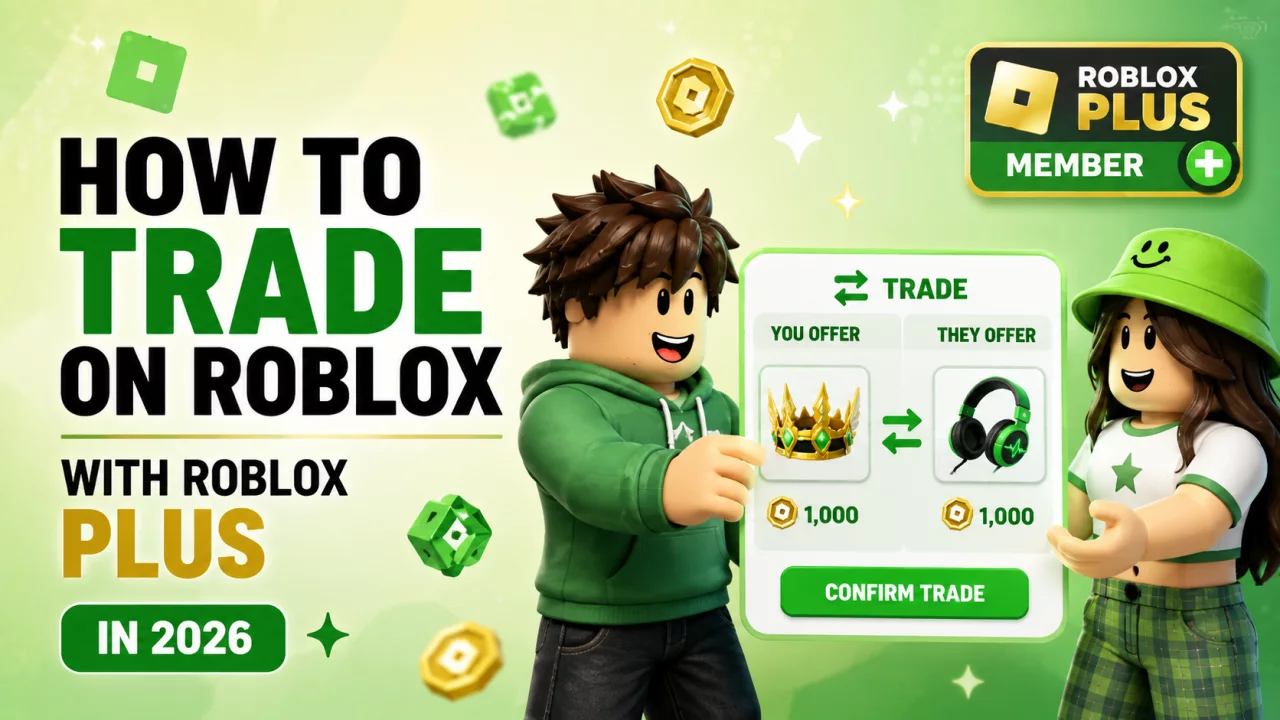
For years, Roblox trading guides told players:
You need Premium to trade.
That is no longer the complete answer.
Eligible Roblox Plus subscribers can now use Roblox's official trading system too.
Trading allows users to exchange eligible Limited items and include Robux in certain offers.
What Do You Need to Trade?#
Both users generally need:
- active Roblox Plus or qualifying Premium
- trading enabled
- appropriate privacy settings
- eligible tradable items
Roblox may also apply regional or account restrictions.
What Can You Trade?#
The official Roblox trading system focuses mainly on eligible:
- Limited items
- Limited U items
- Robux included in supported trade offers
You cannot assume every Marketplace item can be traded.
Always check the item's actual status.
How to Enable Roblox Trading#
Open Roblox settings and find the relevant trading and inventory privacy options.
Make sure:
- trading is permitted
- the other user can access the necessary inventory information
Both sides need compatible settings.
How to Send a Trade#
The normal process is:
- Open the other player's Roblox profile.
- Open the profile menu.
- Select Trade Items.
- Choose what you are offering.
- Select what you want from the other player.
- Add eligible Robux if desired.
- Review the offer carefully.
- Send it.
The other player can then:
- accept
- decline
- counter
Can You Add Robux?#
Yes.
But Robux included in trades can have special transaction rules.
Do not assume the recipient receives exactly the full amount you enter.
Roblox can apply fees to the Robux portion of an accepted trade.
Trading Fees#
Roblox's official trading documentation explains that transaction fees can apply when Robux is included.
That makes:
item-for-item
different from:
item + Robux
when calculating the final value.
You can review current platform rules through Roblox's Trading System documentation.
How to Avoid Bad Trades#
Before accepting:
- inspect every item
- check whether each item is actually Limited
- confirm the Robux amount
- confirm the other username
- understand the current trade value
- do not rush
Trading based only on what somebody says in Discord or chat is risky.
Avoid "Trust Trades"#
Never rely on deals such as:
"Give me the item first."
"I'll send Robux later."
"Let me borrow the Limited."
"Trade me now and I'll repay double."
These are not protected by the official Roblox trading system.
Keep the full exchange inside the actual trade window.
Plus vs Premium for Trading#
Both qualifying Plus and grandfathered Premium subscriptions can provide trading access.
Read Roblox Plus vs Premium if you are unsure which subscription applies to you.
Need Robux for a Trade?#
Do not fund a trade using fake Robux generators.
Read How to Get Free Robux in 2026 for legitimate alternatives.
Eligible users can also browse BloxChase rewards.
Frequently Asked Questions#
Do you still need Premium to trade?#
Premium is no longer the only eligible subscription. Roblox Plus can also provide trading access.
Do both players need a subscription?#
Both sides need an eligible subscription for the official trading system.
Can every Roblox item be traded?#
No. The system mainly applies to eligible Limited items.
Can you add Robux?#
Yes, subject to Roblox's trading rules.
Are trust trades safe?#
No. Keep exchanges inside the official trade system.
Final Thoughts#
Roblox Plus changed one of the oldest Roblox trading requirements.
The basic formula is now:
eligible subscription + Limited items + trading enabled + careful review.
Trading can be fun, but never let urgency or promises outside Roblox pressure you into accepting a bad deal.


