Roblox uses age checks to decide which games, chat features and social tools are available to an account.
That makes one problem especially frustrating:
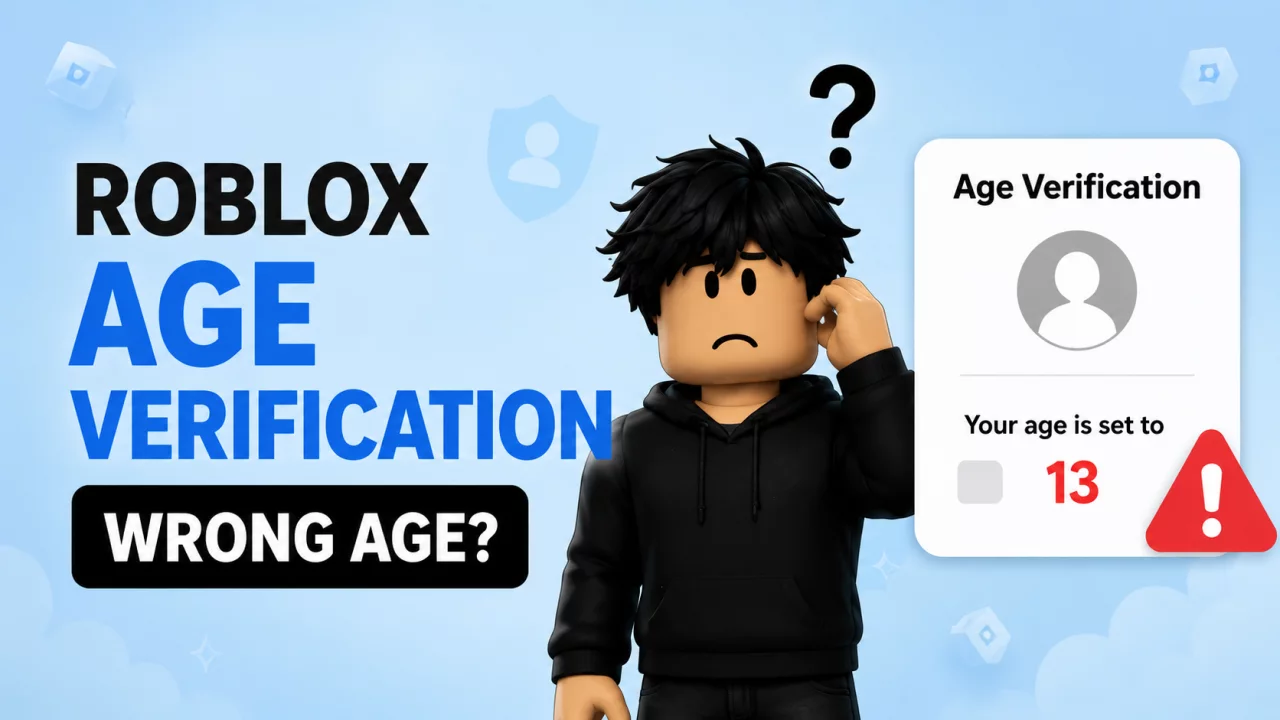
What happens if Roblox age verification gives you the wrong age?
Facial age estimation is not the same thing as simply reading the birthday originally entered on your account.
Roblox analyzes a selfie-style video and places the user into an estimated age group.
If that estimate is wrong, there are several official correction options.
How Roblox Age Estimation Works#
Roblox currently uses facial age estimation to place users into groups such as:
- 5–8
- 9–12
- 13–15
- 16–17
- 18–20
- 21+
Your age group can affect:
- game access
- Roblox Kids or Roblox Select assignment
- chat
- Trusted Friends
- other age-gated features
You can read Roblox's official explanation in How Roblox estimates your age.
What If Roblox Estimated My Age Wrong?#
Roblox provides different correction methods depending on your account.
If you believe your age was incorrectly estimated, do not create a new account immediately.
First check:
Settings → Account Info → Age Group / Birthday
The correction method offered there depends on your age and verification status.
If Your Account Is 13 or Older#
Eligible users 13+ can use government ID verification.
Open:
Settings → Account Info
and look for:
Continue with ID
Roblox can use the birthday from a successfully verified government-issued document to correct the birthday associated with the account.
Use only your own legitimate ID.
What If the Birthday on My ID Is Different?#
Roblox says that after successful ID verification, the birthday on the account can be corrected using the birthday on the verified ID.
This is useful if:
- the original Roblox birthday was entered incorrectly
- facial estimation placed you in the wrong group
- you need to confirm your actual age
What If My Account Is Under 13?#
Roblox provides a different route for younger accounts.
Go to:
Settings → Account Info
and check for the pencil/edit option next to the birthday.
Additional parental approval may be required depending on the account and region.
Can a Parent Fix My Roblox Age?#
For users under 18, a linked parent can have an official method to update a child's birthday after facial age estimation.
Roblox currently notes that a parent can only make this birthday correction once.
Because of that, the date should be checked carefully before confirming it.
Roblox Thinks I'm Under 13 but I'm Older#
This is one of the more important mistakes because it can change:
- chat access
- game access
- account type
- personal account information
- Trusted Friend features
If you self-reported as over 13 but facial estimation places you under 13, Roblox currently provides a 48-hour grace period before the new age group is officially applied.
Roblox may also offer an option to accept the estimated result immediately.
If the estimate is wrong, use that grace period to review the official correction options.
Why Did My Email or Phone Number Disappear?#
Roblox states that when facial estimation places an account into certain younger age groups, including 5–8 or 9–12, some personal information such as email and phone number may be removed.
This can be alarming if you were incorrectly placed into a younger group.
That is another reason to correct the age through Roblox's official process rather than trying random workarounds.
Can I Retry Facial Age Estimation?#
Roblox may ask users to re-check their age if it later detects a discrepancy.
Age checking is not necessarily something that will only happen once forever.
The platform may periodically request another check to maintain access to certain features.
Can Roblox Support Manually Change My Verified Age?#
Do not assume support can simply type in a different result for you.
Roblox states that customer support cannot manually verify IDs or directly remove existing ID verification.
Use the correction methods available inside Account Info first.
What If Roblox Verified Me as 18+ by Mistake?#
Roblox also provides an option for users who accidentally end up with an incorrect 18+ age-check status to undo that checked status.
Check Roblox's current How do I change my age? documentation because some age-check actions have limits on how often they can be reversed.
Why Correct Age Matters#
In 2026, your Roblox age is not just a cosmetic account detail.
It affects the entire account experience.
An incorrect age may explain:
- missing chat
- games being unavailable
- unexpected Roblox Kids assignment
- unexpected Roblox Select assignment
- missing Trusted Friends features
- different content maturity access
If certain games suddenly disappeared, read Why Can't I Play Certain Roblox Games?.
If the problem is communication, use our Why Can't I Chat on Roblox guide.
Frequently Asked Questions#
What do I do if Roblox age verification is wrong?#
Check Settings → Account Info and use the correction option available to your account, such as ID verification or birthday correction.
Can I use an ID to correct my Roblox age?#
Eligible users 13+ can use supported government-issued ID verification.
Can my parent change my Roblox birthday?#
For eligible users under 18, a linked parent can have an option to correct the birthday after facial estimation. Roblox says this parent correction can only be made once.
Why does Roblox think I'm under 13?#
Facial age estimation uses facial features to estimate an age range and may sometimes differ from the user's actual age.
Can Roblox Support manually verify my ID?#
Roblox says customer support cannot manually verify IDs.
Does the wrong age affect games?#
Yes. Age group can affect which Roblox game catalog and content maturity levels are available.
Final Thoughts#
A wrong Roblox age verification result can affect much more than your profile birthday.
It can change chat, Trusted Friends, game access and account type.
Use Roblox's official correction methods:
ID verification when eligible, account birthday controls or a linked parent account.
Avoid uploading identity documents anywhere outside Roblox's official verification process.
For more related help, read our Roblox Chat guide and Trusted Friends guide.


