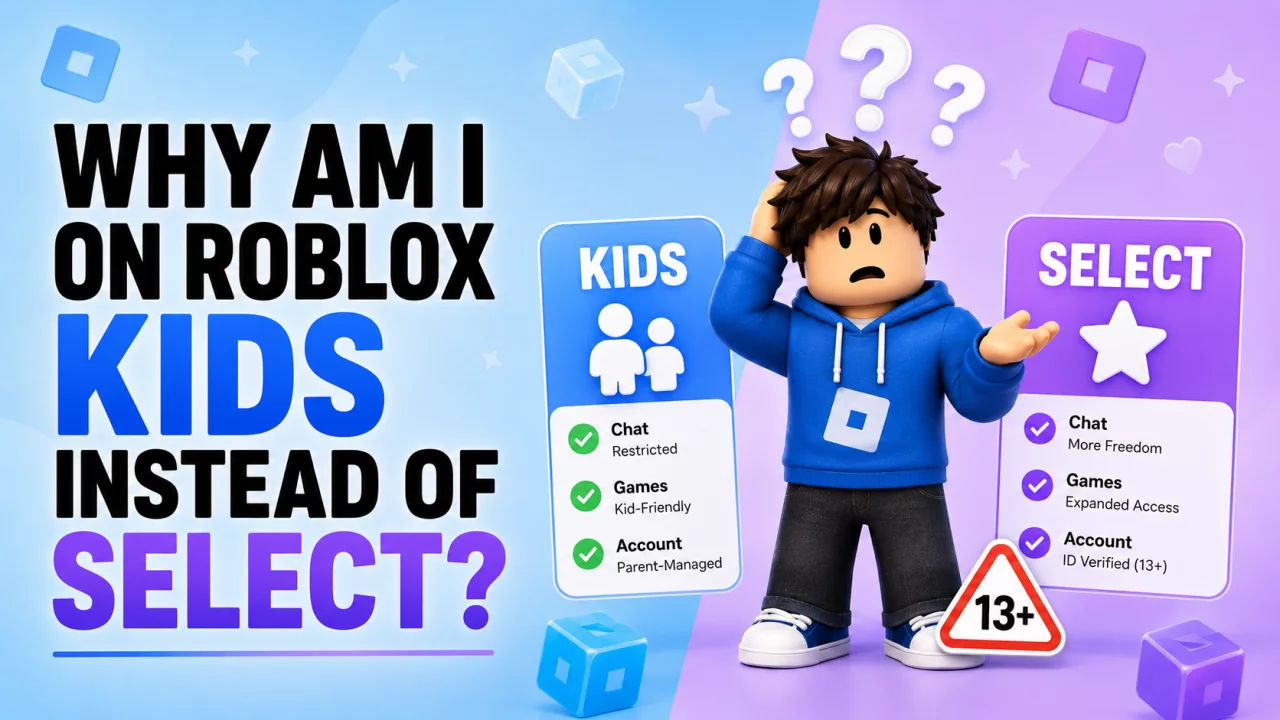
If your Roblox account suddenly shows Roblox Kids when you expected Roblox Select, the most likely explanation is your age information.
Roblox introduced clearer age-based account experiences in 2026.
Your account type can affect:
- games
- chat
- social features
- parental controls
- discovery features
Why Did Roblox Put Me on Kids?#
Roblox Kids is intended for younger accounts.
If Roblox's age system believes you belong in the younger age group, your account can receive the Kids experience.
This may happen because of:
- birthday information
- facial age estimation
- age verification result
- regional age rules
How Does Facial Age Estimation Work?#
Roblox can ask a user to complete a camera-based age check.
The system estimates an age range based on the submitted verification.
It does not necessarily determine an exact birthday.
That means an estimate can occasionally differ from a user's real age.
What If the Age Is Wrong?#
Open:
Settings → Account Info
and review the age information and correction options available to you.
Eligible users may be offered ID Verification.
Younger accounts can also have linked-parent correction options depending on the situation.
Read our Roblox Age Verification Wrong Age guide for more detail.
Why Does Roblox Kids Matter?#
Kids has more restricted game access than Select.
It also has stronger communication restrictions.
That means a wrong age result can explain why you suddenly:
- lost chat
- cannot join certain games
- do not see a feature
- have new parental restrictions
Why Can't I Play a Game Anymore?#
The game may not be part of the Roblox Kids catalog.
That does not automatically mean Roblox removed it.
Your account may simply no longer qualify for that game.
See Why Can't I Play Certain Roblox Games?.
Can I Just Switch to Select?#
There is not a normal setting designed to manually override Roblox's age-based system.
If your account type is wrong, the correct approach is to fix the underlying age information.
If Roblox has your age correct, the assigned restrictions are intentional.
Can a Parent Help?#
A linked parent can receive account-management options for younger users.
Depending on eligibility, this can include correcting age information and managing other account settings.
Use the official parent-linking system rather than giving account credentials to another person.
Don't Use Fake Age Verification#
Avoid websites or videos offering:
- fake identification
- age bypasses
- modified Roblox apps
- scripts that supposedly convert Kids to Select
- paid age unlock services
These can expose your Roblox account and personal information.
Frequently Asked Questions#
Why am I on Roblox Kids?#
Roblox's age system currently considers your account part of the younger age group.
How do I get Roblox Select?#
Select is assigned based on age and eligibility rather than being something you purchase.
What if Roblox got my age wrong?#
Use Roblox's official account and verification correction options.
Does Roblox Kids have fewer games?#
Yes. Its game catalog is more restricted.
Can parents change settings?#
Linked-parent accounts can manage eligible child settings.
Final Thoughts#
If you are on Roblox Kids instead of Select, focus on the age result rather than the account label.
If Roblox made a mistake, correct the age through official tools.
Once the underlying age information is accurate, the correct account experience should follow.


