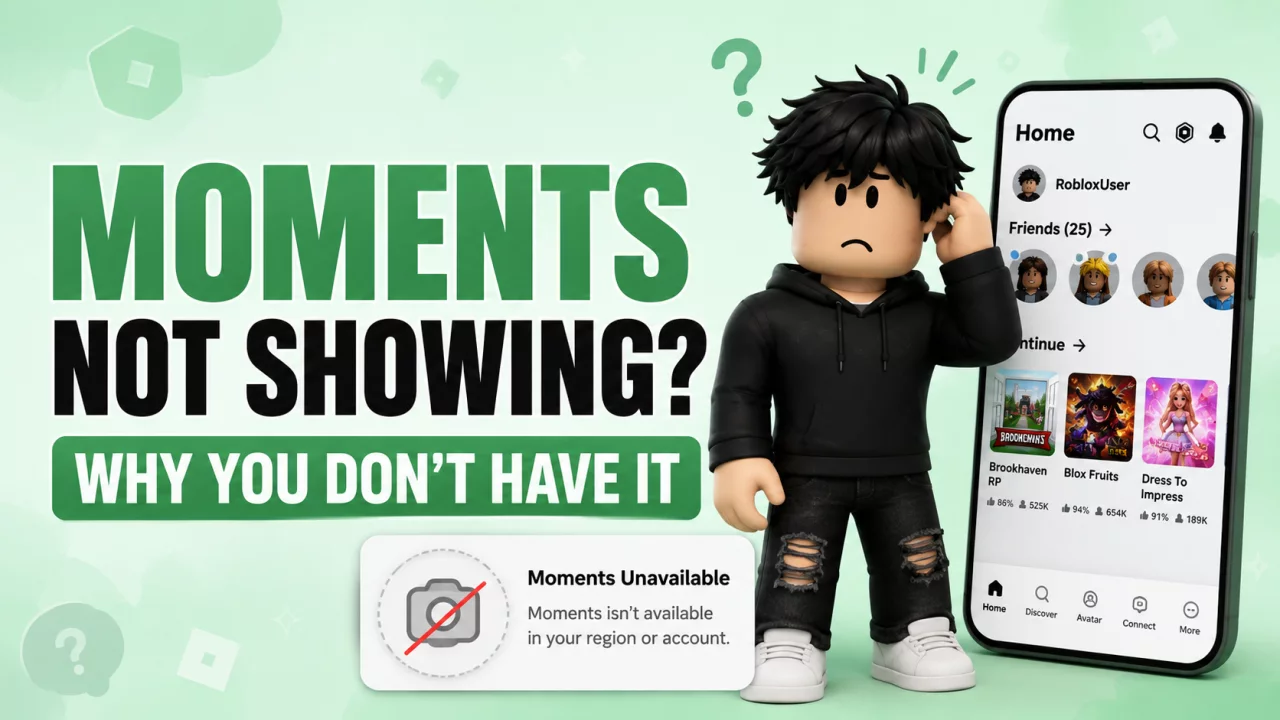
If your friend has Roblox Moments and you do not, your Roblox account is not necessarily broken.
Moments is still being expanded gradually.
Your:
- country
- age
- age-check status
- Roblox account type
- application version
can all affect whether you see the same interface as another player.
1. Moments May Not Be Available in Your Region#
Roblox frequently releases major features in stages.
Selected regions can receive an interface before the rest of the world.
This lets Roblox test:
- stability
- moderation
- engagement
- user experience
before expanding access.
If Moments has not reached your region, there is usually nothing you need to fix.
2. Age Can Affect Moments#
Roblox is moving more features into an age-based system.
The platform increasingly uses verified age groups to decide which:
- games
- social tools
- communication systems
- discovery features
are available.
That means two players with different verified ages can receive different Roblox experiences.
3. Check Your Age Verification#
Age checks can involve methods such as:
- Facial Age Estimation
- ID Verification where eligible
If Roblox estimated your age incorrectly, use our Roblox Age Verification Wrong Age guide.
An incorrect younger age can affect much more than Moments.
4. Roblox Kids Has More Restrictions#
Roblox Kids is designed around younger players.
The account experience contains stricter communication, game and feature access.
If you unexpectedly ended up on Kids, read Why Am I on Roblox Kids Instead of Select?.
5. Roblox Select Can Also Differ#
Select is broader than Roblox Kids but still does not automatically receive every feature used by older standard accounts.
The exact availability of discovery tools can therefore differ.
Our Roblox Kids vs Roblox Select guide explains the difference.
6. Update the Roblox App#
If your account should be eligible:
- Open your app store.
- Check for a Roblox update.
- Install it.
- Fully close Roblox.
- Reopen the app.
A new interface may not display correctly on an outdated client.
7. Your Interface May Still Be on an Older Rollout#
Roblox is continuously testing interface changes.
That includes navigation involving features such as:
- Chat
- Moments
- Build
- account/profile areas
Not every account receives a new layout at exactly the same time.
Can You Force Moments to Appear?#
There is no legitimate hidden command that guarantees access to an unreleased feature.
Avoid:
- modified Roblox applications
- random browser scripts
- suspicious extensions
- unofficial APK downloads
- services asking for your Roblox password
Waiting for the official rollout is much safer than trying to force access through unofficial software.
What Can You Use Instead?#
While waiting for Moments, you can discover games through:
- Roblox Search
- recommendations
- friends
- communities
- YouTube
- Roblox blogs and guides
For less obvious game choices, check our Underrated Roblox Games in 2026 guide.
Frequently Asked Questions#
Why is Roblox Moments not showing?#
The most common causes are rollout availability, age, verification status and account type.
Will updating Roblox unlock it?#
It can fix an outdated interface, but it cannot bypass a regional rollout.
Is Moments global?#
Roblox continues expanding features gradually, so availability can still differ.
Is my account banned if Moments is missing?#
No. Missing a feature does not automatically indicate moderation.
Can I install Moments separately?#
No. Use the official Roblox app.
Final Thoughts#
If Roblox Moments is missing, check:
region → age → account type → Roblox version → rollout.
Most of the time there is no special fix needed.
Once Roblox expands the feature to your account, it should appear through the official application.


